
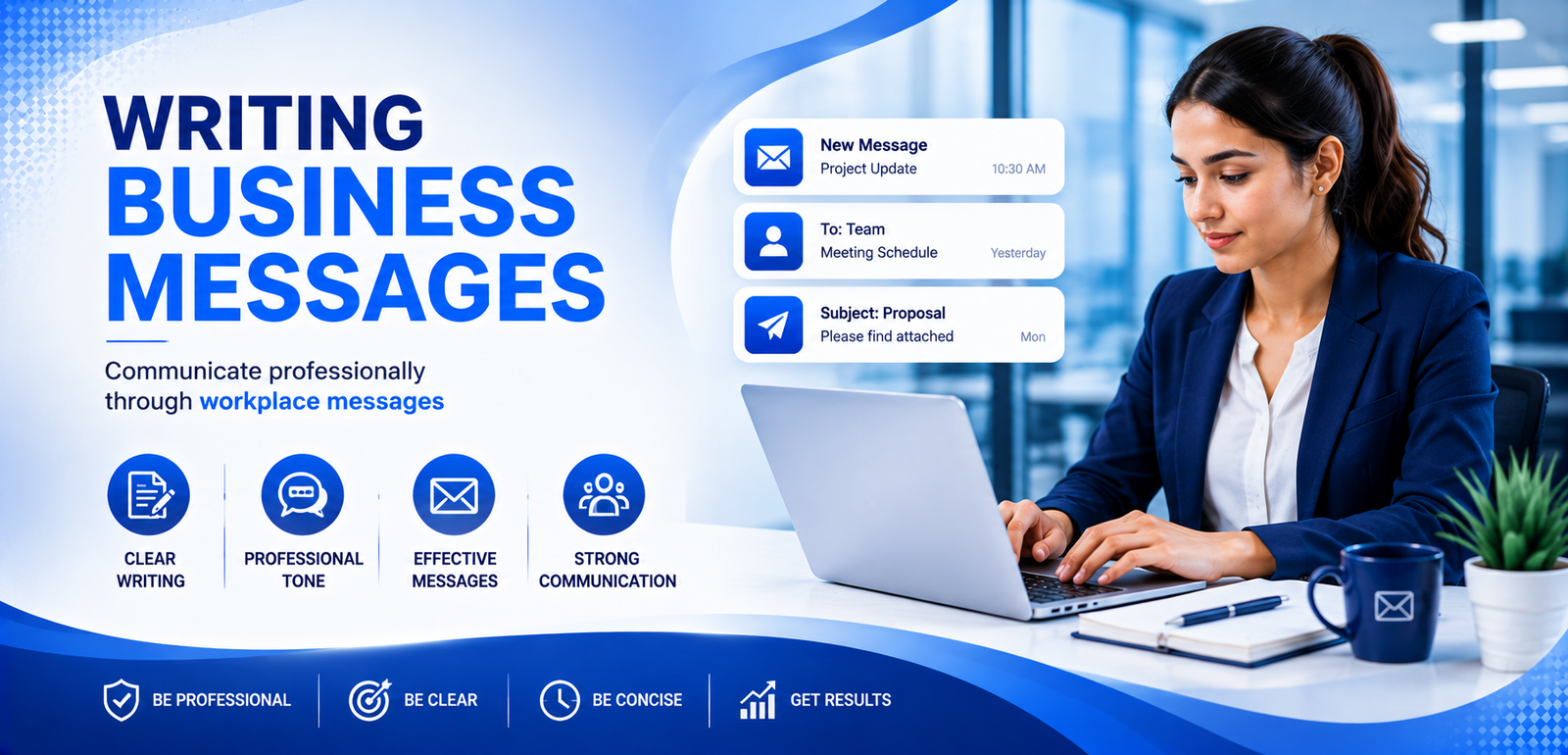
Writing Professional Business Messages
Learn how to write clear, precise, and professional business messages that build trust, reduce confusion, and drive results.
Communication That Gets Results
Professional communication goes beyond sending emails and quick messages. Your words can influence decisions, prevent misunderstandings, strengthen relationships, and keep workplace projects moving efficiently.
The Core Principles of Professional Communication
Before writing any business message, understand the principles that make workplace communication clear, respectful, and effective.
Clarity & Brevity
Business professionals are busy. State your purpose within the first two sentences and avoid unnecessary information.
The You-Perspective
Shift the focus from what you want to how the message benefits or affects the reader.
Tone Control
Maintain a balance of politeness, confidence, and professionalism. Avoid emotional or passive-aggressive language.
“I need you to send me the report so I can finish my work.”
“Could you please share the Q3 report by Tuesday afternoon so we can finalize the client presentation together?”
Mastering the Workplace Email
A professional email should make its purpose, required action, responsibility, and deadline easy to understand.
Subject Line
Create a descriptive and actionable subject. Avoid vague subjects such as “Hello” or “Quick question.”
Salutation
Match the company culture. Use formal or modern greetings according to the workplace environment.
The Opening
State the main reason for writing immediately so the reader knows why the message matters.
Body & Bullet Points
Use short paragraphs, bullets, or numbered lists to make multiple points easy to scan.
Call to Action
Clearly state what needs to happen next, who is responsible, and what the deadline is.
Professional Sign-off
Close with “Best regards,” “Sincerely,” or “Thanks,” followed by your professional signature.
Subject Line Example
Weak: Meeting
Strong:
Action Required: Project Timeline Review for Project Alpha (Due Friday)
Instant Messaging & Collaborative Tools
Platforms such as Slack and Microsoft Teams require concise, context-rich communication.
Avoid “Ping-Only” Messages
Never send only “Hi” or “Do you have a second?” and wait. Include the context and question in the first message.
Keep It Threaded
Reply inside relevant conversation threads to keep project discussions organized and easy to follow.
Know When to Switch Channels
If a conversation becomes lengthy or sensitive, move it to a call or email when appropriate.
“Hi Sarah, are you there?”
“Hi Sarah, do you have 5 minutes today to look over the budget adjustments for the marketing campaign?”
Navigating Difficult Workplace Scenarios
Professional writers sometimes need to decline requests, push back on ideas, or deliver uncomfortable information. Diplomacy matters.
Acknowledge & Validate
Thank the person or recognize their request before moving toward the difficult part of your message.
Pivot & Decline
Clearly and politely explain why you cannot fulfill the request. Avoid vague language.
Offer an Alternative
When possible, suggest another person, timeline, or practical compromise.
Professional Decline Example
“Thank you for inviting me to join the steering committee. Due to my current commitments on the product launch, I won't be able to dedicate the time required right now. However, I recommend looping in Mark, who has deep expertise in that area.”
Constructive Feedback
Focus on the process rather than personal blame. Instead of “You made a math error here,” use: “Let's double-check these calculations to align with the audit guidelines.”
Step-by-Step Business Message Workflow
Follow this workflow before sending an important professional message.
Define the Objective
Decide the exact outcome you need: approval, information, scheduling, or clarification.
Choose the Right Medium
Decide whether the message requires email, instant messaging, a call, or a face-to-face conversation.
Bottom Line First
Use BLUF — Bottom Line Up Front — to place your main request at the beginning.
Format for Scannability
Use short paragraphs, bold key information, and bullet points where appropriate.
Review & Proofread
Check names, spelling, attachments, deadlines, and tone before sending the message.
Write With Clarity. Communicate With Confidence.
Great business communication is not about complicated vocabulary. It is about choosing the right words, structure, tone, and communication channel to achieve your goal.